How to Design Your Own Phone Case in 30 Seconds
A step-by-step guide to designing a custom AI phone case with Aura Cases — from prompt to checkout in under a minute.
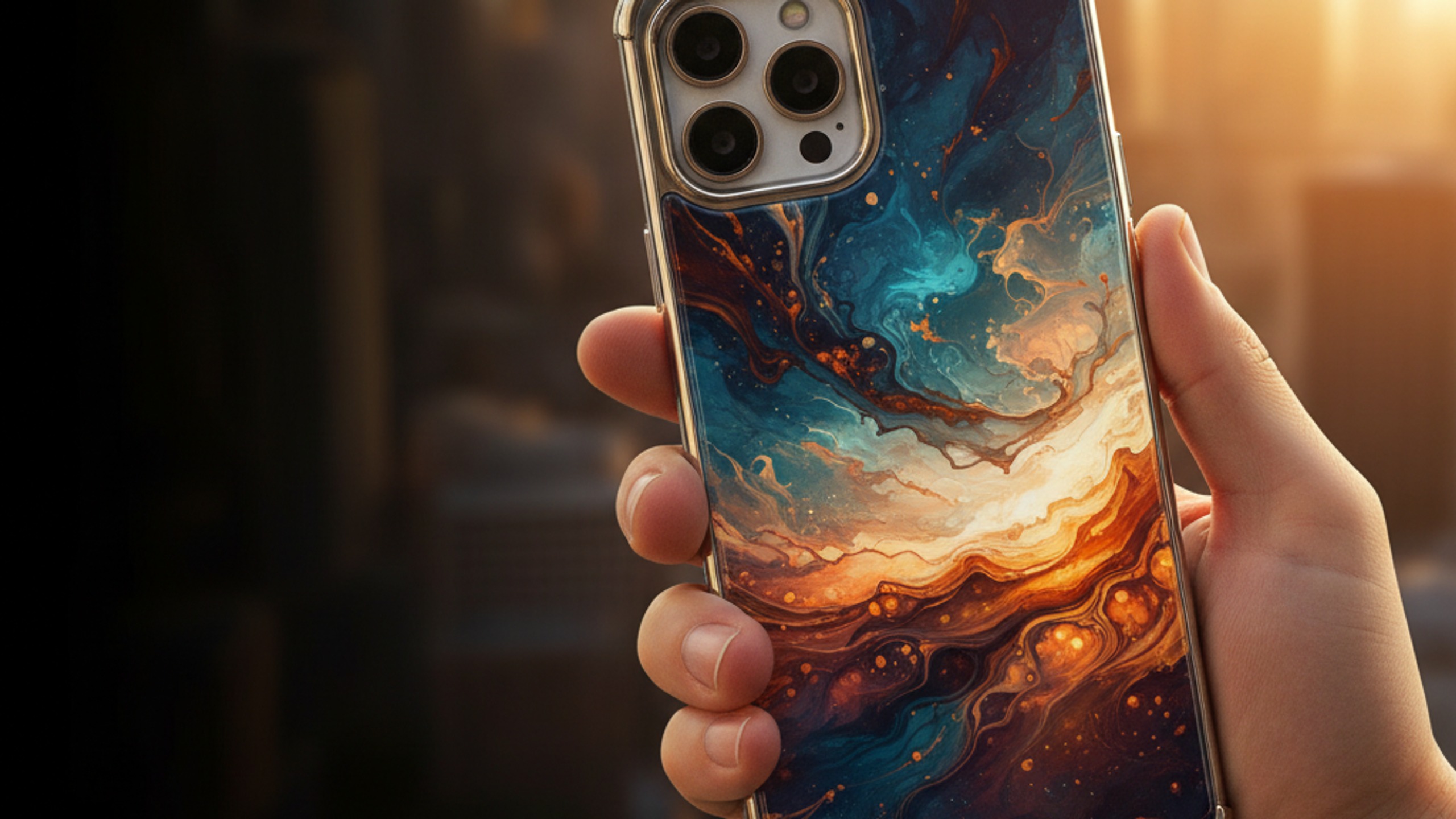
Designing a custom phone case used to mean fiddling with Photoshop templates, uploading high-res images, and crossing your fingers that the print would line up with the camera cutout. In 2026, it takes about 30 seconds. Here's exactly how.
Step 1: Describe Your Design
Head to our Design Studio and type a description of what you want. You don't need to be an artist — plain language works perfectly. Here are some examples:
- "Dark blue ocean waves with gold foil accents"
- "Minimalist line drawing of a woman's face"
- "Retro 80s synthwave sunset in neon pink and purple"
- "Botanical illustration of monstera leaves on cream background"
- "Abstract marble in black, white and gold"
The more specific you are, the closer the result will be to your vision. But even vague prompts like "something cool in blue" will produce genuinely impressive results.
Step 2: Review Your Artwork
Within seconds, our AI generates a high-resolution artwork designed specifically for a phone case canvas. The image is created at 900×2000 pixels — the exact dimensions needed for edge-to-edge printing with no cropping or stretching.
You'll see a live preview of how it looks on an actual phone case mockup. If you love it, proceed. If not, simply type a new prompt or tweak your description. Every generation creates a completely different result.
Step 3: Choose Your Phone Model
Select your device from 31 supported models across iPhone (13 through 17), Samsung Galaxy (S24 through S26), and Google Pixel. The mockup updates in real-time to show your design on the exact phone you own.
Step 4: Checkout
Hit "Buy Now" and you'll be taken to a secure Stripe checkout. Every case is £21.99 with free worldwide shipping. Pay with card, Apple Pay, Google Pay, PayPal, or Klarna (buy now, pay later).
That's it. From "dark ocean waves with gold" to "order confirmed" in under a minute.
Tips for Better Prompts
- Mention colours — "in teal and coral" gives much better results than leaving colour to chance
- Reference a style — "watercolour", "minimalist", "retro", "Art Deco" help the AI understand your aesthetic
- Be specific about subjects — "cherry blossom branch" beats "flowers"
- Mention textures — "marble", "brushed metal", "matte", "glossy" add depth
- Keep it concise — One or two sentences is the sweet spot. You don't need a paragraph
What If I'm Not Creative?
Browse our existing collection for inspiration. See a botanical case you love but wish it were in different colours? Describe that. "Botanical roses like your Rose Garden design but in deep purple and gold" works brilliantly.
You can also start with simple concepts: "something elegant in black and gold" or "pastel abstract art" are perfectly valid prompts that produce beautiful results.